Overview
- Product: Quantum Rings SDK
- Version: 0.12.2
- Supported Platforms: Windows, Linux, MacOS
- Release Date: June 23, 2026
- Release Type: Feature Enhancement
New Features
- API to determine peak memory size of a simulation
- API to measure fidelity of a simulation
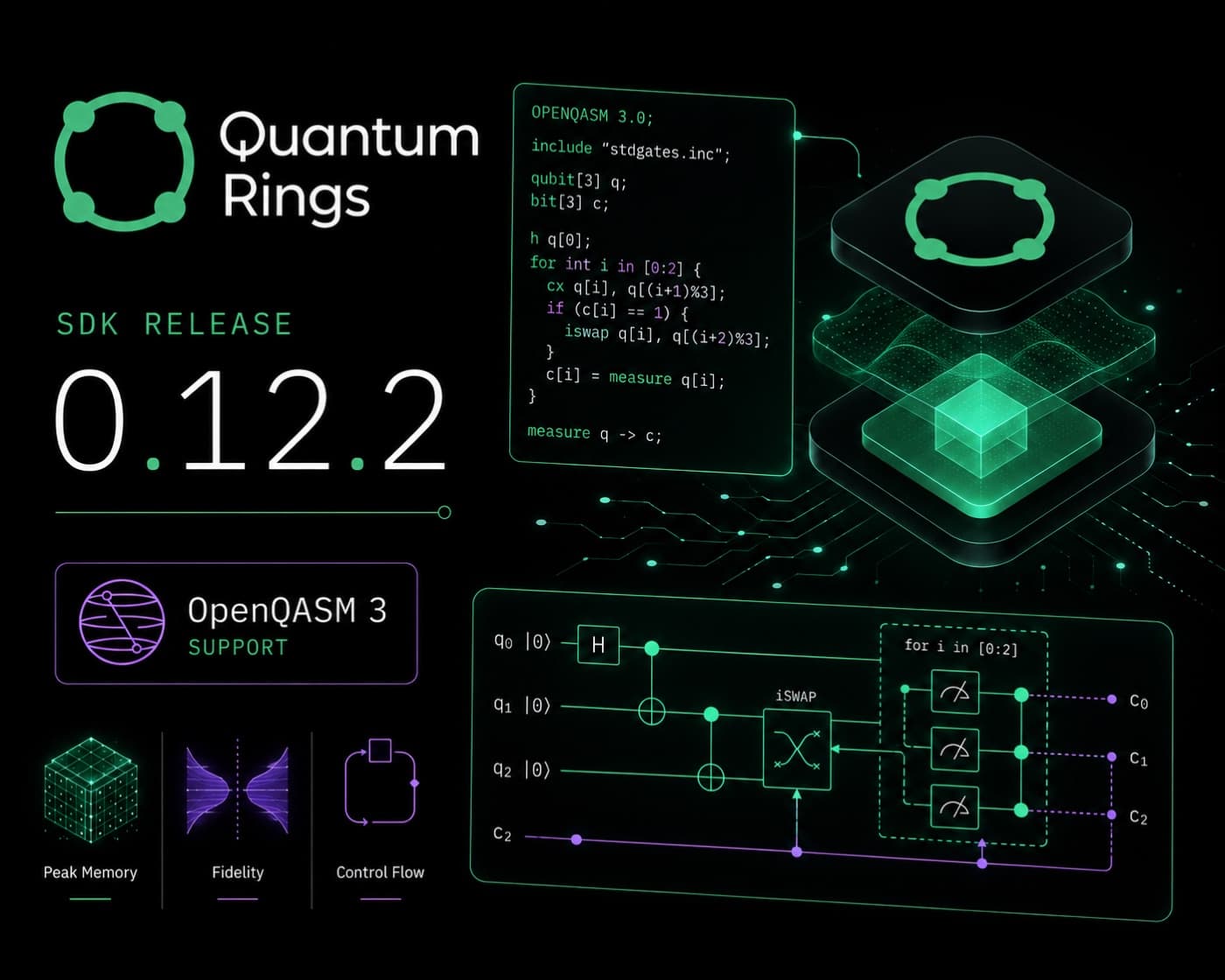
- Support for OpenQASM3 programs, including control loops and mid-circuit measurements
- Support for iSWAP gate in QASM files
- Single precision CPU mode adjusted to match machine accuracy
Coming soon: exclusive features for enterprise and licensed users
Peak Memory
Obtain the peak memory size of a simulation using Result.get_peakmemorysize().
Note: this number is not always representative of the simulation's final size. Depending upon the circuit, the size of the tensors shrinks and grows as each gate is executed. Also, depending on the engine and precision, the size of the simulation will vary. If you saved the simulation state and then restored it, the restored state may show a different peak size — this is normal behavior.
Fidelity
Obtain the fidelity of a simulation using Result.get_fidelity().
Calculates fidelity using |⟨0|ψ⟩|². Especially useful for mirror fidelity calculations.
OpenQASM 3.x Support
Version 0.12.2 of the SDK introduces full OpenQASM 3.x support, enabling you to import, execute, and export circuits according to the latest QASM standards. This release brings native execution of OpenQASM 3 programs, seamless import of both OpenQASM 2 and 3 files, support for input/output directives, and a comprehensive language reference covering operators, built-in functions, constants, and error codes.
Execute OpenQASM 3
Execute circuits using the BackendV2.run() method.
Import from OpenQASM 3
Import files using the OpenQASM.load() or QuantumCircuit.fromqasmfile() methods.
Import strings using the OpenQASM.loads() or QuantumCircuit.fromqasmstr() methods.
Export to OpenQASM 3
Export a constructed circuit to an OpenQASM 3 file using the QuantumCircuit.qasm3() method.
Mid-circuit Measurements
OpenQASM 3 supports control loops that contain mid-circuit measurements, and refer to the mid-circuit measured classical bit registers within the loops.
input and output Directives
OpenQASM language specification suggests the usage of input / output directives.
Use the keyword input to mark which variables are input to the program from external sources.
Use the output keyword to mark which bit registers are to be output at the end of the execution.
Limitations
Gate Modifiers
- Only up to four gate modifiers are supported.
- The pow modifier only supports integer powers.
- The inv and pow modifiers can not be mixed with ctrl or negctrl modifiers.
- Only certain gates can be inverted using the inv gate modifier or QuantumCircuit::inverse method.
- Resulting gates are not optimized when gate modifiers are used.
User-defined Gates
- Control statements and loops are not supported inside a user-defined gate. Users requiring this feature must instead implement a subroutine.
Reserved Keywords and Names
- OpenQASM reserved keywords and gate names cannot be used to name a variable, constant, subroutine, or user-defined gate.
OpenPulse
- OpenPulse is not supported. Pulse level description of gates using cal and defcal blocks are not supported.
Pragma and Annotations
- All statements using the pragma and annotation (the @ symbol) directives are ignored.
input and output Directives
- Only the bit data type can be marked as output.
- A bit register cannot be marked as both input and output.
- When an OpenQASM circuit is imported through the OpenQASM.load or OpenQASM.loads class methods, or QuantumCircuit.fromqasmfile or QuantumCircuit.fromqasmstr methods, then the details of which bit registers are marked for output is lost. Later, when the QuantumCircuit is run using the BackendV2.run method, all bit registers are marked as output. This is a limitation of the import process.
Register Dimensions
- The size of the classical, bit, and qubit registers must be determinable during compilation time.
Precision
- Precision must be consistent throughout program.
Parameter Broadcasting
- Parameter broadcasting for subroutines is not supported.
Unicode Characters
- The Unicode character set is not supported.
Looking Forward: Enterprise Features
The following features are coming soon as part of our next SDK release. They will be available only to licensed users under agreement.
State Saving
Save the system state to a disk file using Result.SaveSystemStateToDiskFile(). This is typically done at the end of a quantum circuit execution, with no end-of-circuit measurements.
State Restoration
Restore the system state from a disk file using QuantumRingsLib.QuantumCircuit(). After restoration, additional operations such as measurement gates can be applied.
Guided Measurements*
Uses a guide string to collapse qubits along a predetermined path. The guide string is passed to the BackendV2.run method as the "guide" argument, provided as a list of strings.
- Patent pending
Interested?
Reach out to us at info@quantumrings.com for more information.
Installation
Uninstall any previous versions, then install the new version using pip install.
GPU Version
CUDA 12.x
pip install quantumrings[cuda12x]
CUDA 13.x
pip install quantumrings[cuda13x]
or
pip install quantumrings-nvidia-gpu
CPU Version
pip install quantumrings[cpu]
or
pip install QuantumRingsLib
Examples
This example is a complete, runnable script demonstrating how to load and execute an OpenQASM 3.0 circuit file using the Quantum Rings SDK:
# QuickStart - direct execution with `BackendV2.run`

import os
import sys
import platform

my_token = os.environ["QR_TOKEN"]
my_name = os.environ["QR_ACCOUNT"]

my_backend = "scarlet_quantum_rings"      #choose preferred backend
precision = "single"

import QuantumRingsLib
from QuantumRingsLib import QuantumRegister, AncillaRegister, ClassicalRegister
from QuantumRingsLib import QuantumCircuit
from QuantumRingsLib import QuantumRingsProvider
from QuantumRingsLib import job_monitor
from QuantumRingsLib import JobStatus
from QuantumRingsLib import JobV1, Result

provider = QuantumRingsProvider(token = my_token, name = my_name )
backend = provider.get_backend(backend = my_backend)

shots = 1000
program_file = "/mnt/C/OpenQASM/circuit.qasm"     #provide qasm file path

job = backend.run(program_file, shots = shots, mode="sync");
result = job.result();
counts = result.get_counts()

print(counts)
This example uses both getfidelity() and result.getpeakmemorysize():
qc = QuantumCircuit(5, 5)
qc.h(0)
qc.x(1)
qc.id(3)
qc.t(4)
qc.s(0)
qc.tdg(1)
qc.sdg(2)
qc.sx(3)
# ... apply additional gates ...

# Take the inverse of this circuit.
qc_inverse = qc.inverse()

qc.append(qc_inverse)
# If the circuit was composed in Qiskit, use:
# qc.append(qc_inverse, [0, 1, 2, 3, 4], [0, 1, 2, 3, 4])

number_of_shots = 1
threshold = 4

job = backend.run(
    qc,
    shots=number_of_shots,
    mode="async",
    quiet=True,
    performance="custom",
    threshold=threshold,
)

job_monitor(job, quiet=True)

result = job.result()
print(f"Fidelity: {result.get_fidelity()}  Peak Simulation Size: {result.get_peakmemorysize(0)}")
Stay Updated
SDK updates, webinars, and quantum industry news — straight to your inbox.